PKTRON
Welcome to AI Powered Quantum Framework
Simulator
PKTron AI Quantum Lab
AI-Powered Quantum Simulation for Every Scientist — From Circuits to Cosmology in One Interactive Lab.
Pakistan’s first AI-powered quantum simulation framework, PKTron is a comprehensive, Python-based platform designed for students, researchers, and engineers. Build, simulate, analyze, and understand quantum systems without the need for real quantum hardware.
From simple 2-qubit circuits to 100-qubit fault-tolerant surface codes, quantum finance models, molecular chemistry simulations, and more, PKTron covers it all — with an AI assistant explaining every step.
Why PKTron?
- AI Quantum Assistant: Step-by-step explanations for circuits and gates in plain English.
- Fault-Tolerant Computing: Repetition codes, Steane [[7,1,3]] code, and full Surface Code support.
- Quantum Finance & Scientific Domains: Portfolio optimization, risk analysis, fraud detection, quantum physics, chemistry, biology, and cosmology simulations.
- Noise & Error Mitigation: Zero-Noise Extrapolation, Probabilistic Error Cancellation, Readout Error Mitigation integrated.
- Algorithms: 15+ quantum algorithms including Grover, Shor, HHL, VQE, QAOA, qPCA, and Quantum Neural Networks.
- Developer & Simulation Tools: GPU acceleration, MPS tensor network simulator, fast statevector engines, circuit transpiler, hardware emulator, and Qiskit compatibility.
PKTron v2.4.0 Highlights
- Bug Fixes: Fully functional gate chaining, correct parameter orders, noise model support, and more.
- New Features: AdaptiveQuantumExecutor for noise-aware execution, SupremacySimulator for large circuits, FastSimulator 3x faster, probability outputs, parameter shift gradients.
- Performance: 60,000x faster import than Qiskit, 8x faster circuit construction, optimized small circuit execution.
- Unique Modules: Quantum Finance, Biology, Chemistry, and Cosmology — zero configuration, Colab-ready.
Getting Started
Getting Started (Hello World)
To begin using PKTron, try this example:
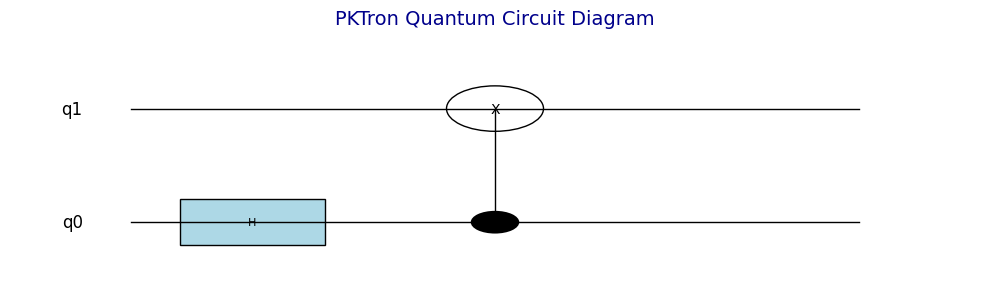
from pktron import QuantumCircuit
# Create a 2-qubit circuit (from usage example)
qc = QuantumCircuit(2)
qc.h(0) # Hadamard on qubit 0
qc.cnot(0, 1) # CNOT (control: 0, target: 1)
qc.draw() # Display circuit diagram
100 Circuits to use on PKTRON
Working with Visualizations in PKTron
Visualize Quantum in Action
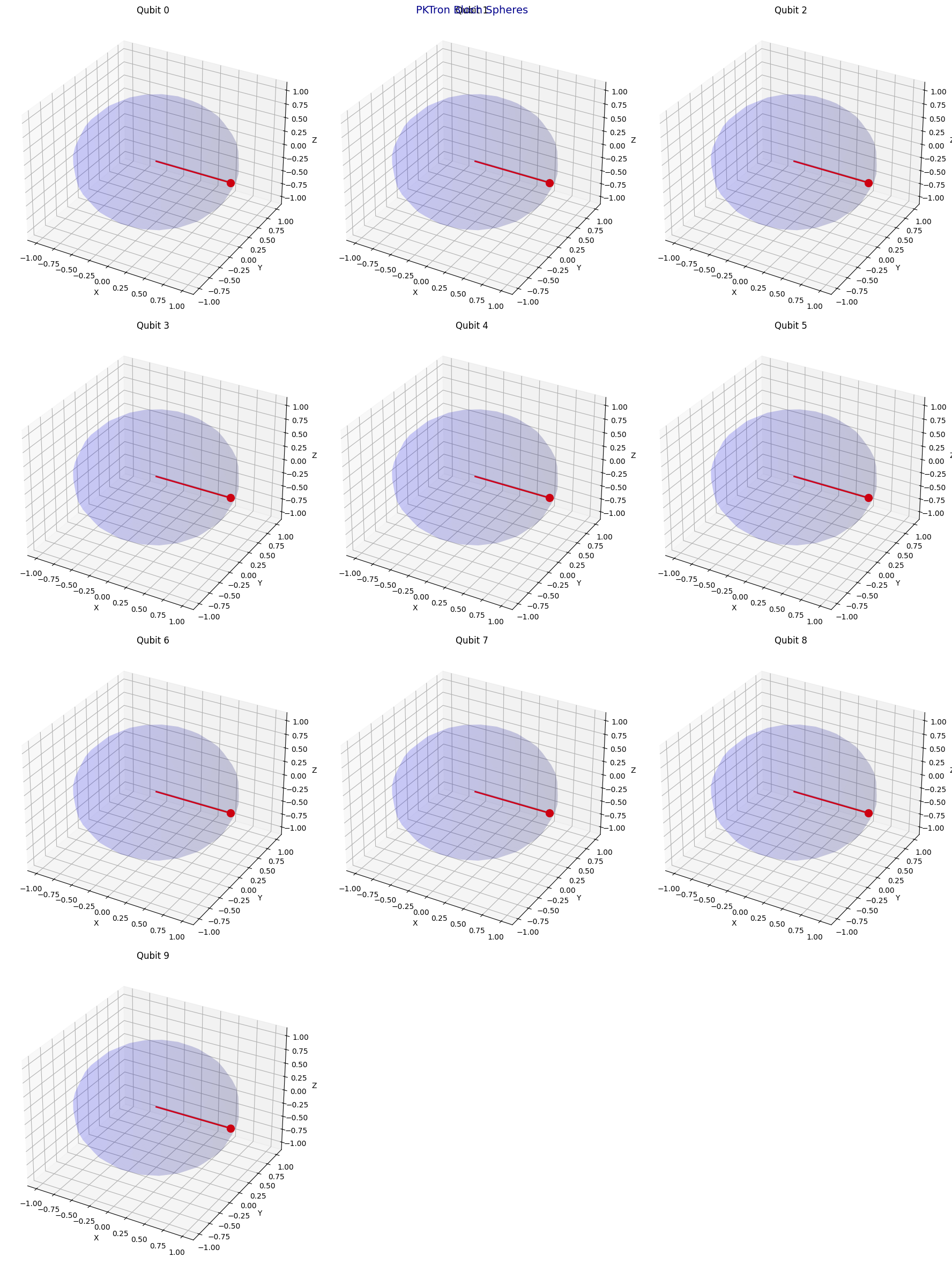
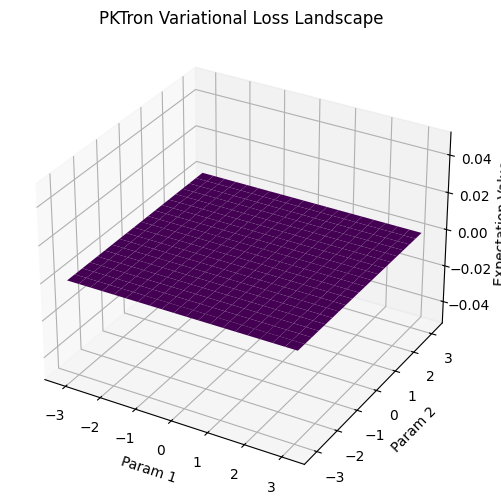
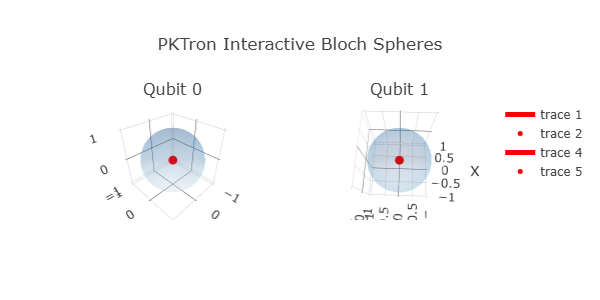
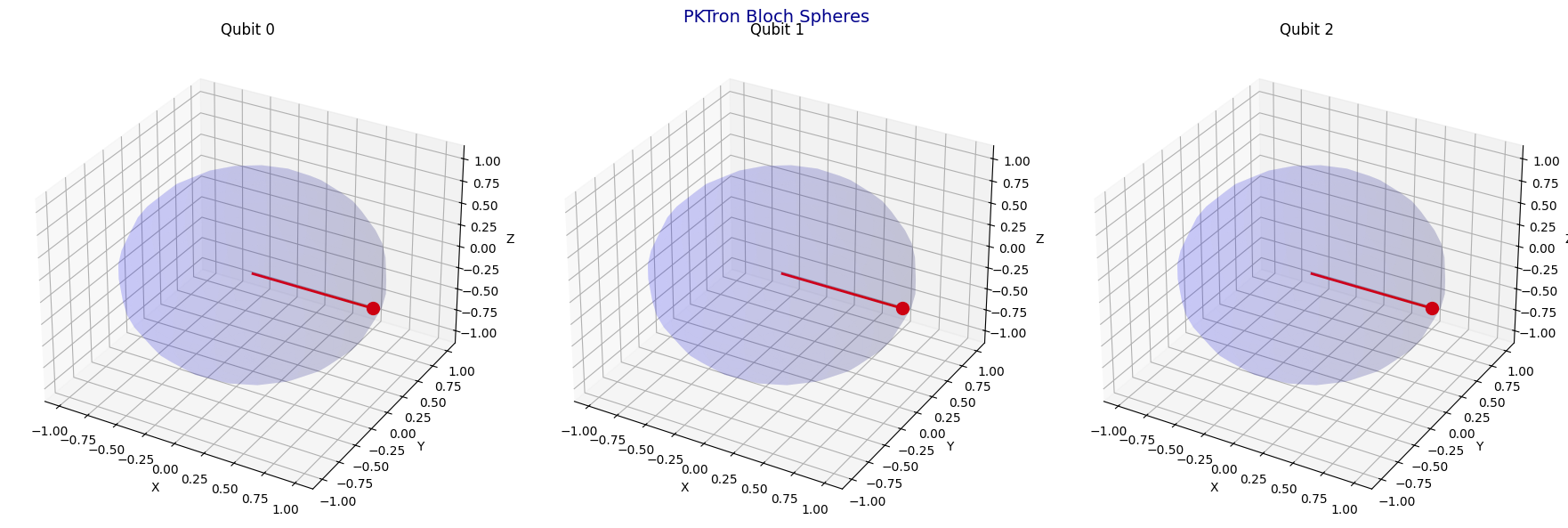
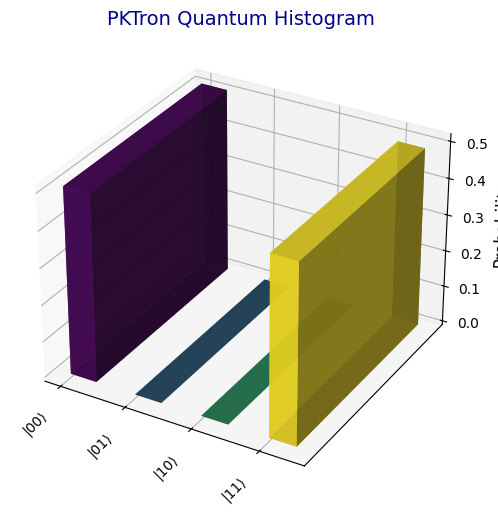
PKTron doesn’t just simulate quantum circuits — it makes them come alive. Watch every gate, qubit, and state evolve in real time with interactive visualizations.
- Step-by-Step Execution: See your circuit operate one gate at a time.
- Circuit Animation Engine: Animated visualizations for easy understanding of complex operations.
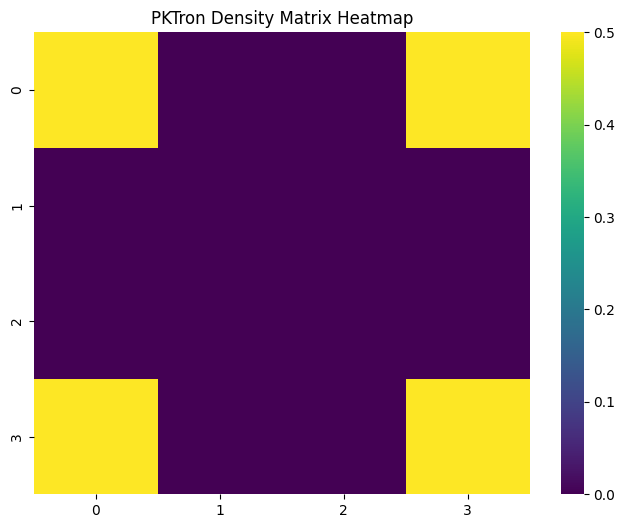
- Real-Time Dashboards: Track probabilities, qubit states, and algorithm progress live.
- GHZ Scaling Engine & Snapshots: Visualize entanglement and save circuit states for analysis.
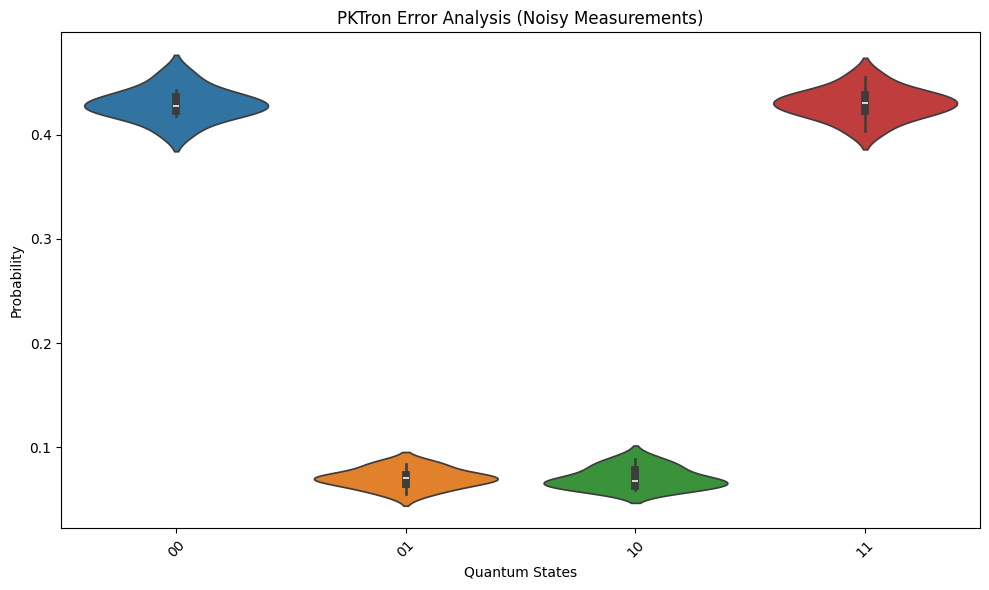
- Noise & Error Insights: Graphical view of noise effects and mitigation on your circuits.
From small 2-qubit circuits to 100-qubit surface codes, PKTron’s visual tools turn abstract quantum concepts into clear, interactive experiments. Perfect for learning, research, and presentations.
Installing PKTRON on Platforms
PKTron is a lightweight Python quantum simulation library available directly from the Python Package Index. It installs easily across all major platforms because it is a pure Python package with minimal dependencies, primarily NumPy.
The standard installation command for any platform is to use pip with the package name pktron. For the most up-to-date version, include the upgrade flag. Always run this command inside an activated virtual environment to avoid conflicts with other Python projects.
Windows
Open Command Prompt or PowerShell. It is best to first create and activate a virtual environment using the built-in venv module. Then run the pip installation command. If you encounter permission issues, run the prompt as administrator or use the user flag with pip.
macOS
Open the Terminal application. Create and activate a virtual environment with Python three. Then execute the pip installation. macOS usually comes with Python pre-installed, but using a virtual environment ensures isolation.
Linux (such as Ubuntu, Debian, or Fedora)
Open the terminal. Install Python venv and pip if not already present using your distribution’s package manager. Create and activate a virtual environment, then run the pip installation command. On some systems you may need administrator privileges for the initial setup tools.
Google Colab
In any Colab notebook cell, simply run the pip install command prefixed with an exclamation mark. After installation, restart the runtime if prompted, then you can import and use the library immediately. This is one of the fastest ways to get started without local setup.
Jupyter Notebook or JupyterLab
Inside a notebook cell, use the same exclamation-mark prefixed pip install command. Alternatively, run the pip command from the terminal while the Jupyter environment is active.
Anaconda or Miniconda
Create a new conda environment with a specific Python version such as three point ten. Activate the environment, then use pip to install pktron inside it. This combines conda’s environment management with pip for Python packages.
From Source (for developers wanting the absolute latest)
Clone the repository from its GitHub location using git. Navigate into the cloned folder and install it in editable mode with pip. This approach is useful if you want to modify the source code or access features not yet released on PyPI.
Best Practices for All Platforms
Use Python version three point eight or higher, with three point ten or above recommended for best compatibility. Always upgrade pip itself before installing any package. Virtual environments are strongly advised on every platform to keep projects separate and prevent version conflicts. PKTron has very few dependencies, so the installation process is typically fast and lightweight even on lower-resource machines.
Verification After Installation
Once installed, open a Python interpreter or notebook and import the main module to check the version. Then create a simple quantum circuit object to confirm everything works without errors. The library supports standard quantum circuit operations right after installation.
Common Troubleshooting
If the module is not found after installation, ensure you are running Python in the same environment where you installed the package. Permission errors on Linux or macOS are usually resolved by using a virtual environment instead of system-wide installation. On ARM-based devices such as Raspberry Pi, the package installs normally via pip since wheels are available for common architectures.
PKTron works seamlessly in free online environments like Colab or Kaggle, making it accessible without any local compute power. After successful installation, you can explore its built-in features for circuits, noise simulation, and domain-specific modules such as quantum finance or chemistry.
Documentation
PKTron is a lightweight quantum simulation tool designed for easy access and quick experimentation in quantum computing. It allows users to build and run quantum circuits using familiar Python syntax, making it suitable for beginners, students, educators, and researchers who want to explore quantum concepts without complex setup.
The library supports standard operations such as creating circuits with a chosen number of qubits, applying common single-qubit and multi-qubit gates, performing measurements, and obtaining results like probability distributions or sampled outcomes. Users can work with exact simulations for smaller systems or switch to approximate methods when handling more qubits. Rotation gates accept numerical angles, and there is support for handling variable parameters that can be set later, which is helpful for testing different configurations or running optimization loops.
Noise can be introduced to mimic real hardware behavior through simple error models applied to specific gates during execution. This feature helps in understanding how imperfections affect circuit performance. A convenient executor tool automatically manages the number of repeated runs and returns both raw counts and normalized probabilities, simplifying the process of gathering statistics.
Specialized capabilities extend beyond basic circuits into practical application areas. These include tools tailored for financial modeling such as portfolio selection and risk assessment, biological simulations involving molecular structures or genetic sequences, chemistry calculations for energy levels in small molecules, and even explorations related to large-scale physical phenomena in the early universe. Such integrated features allow direct application of quantum methods to domain-specific problems without needing to assemble everything from scratch.
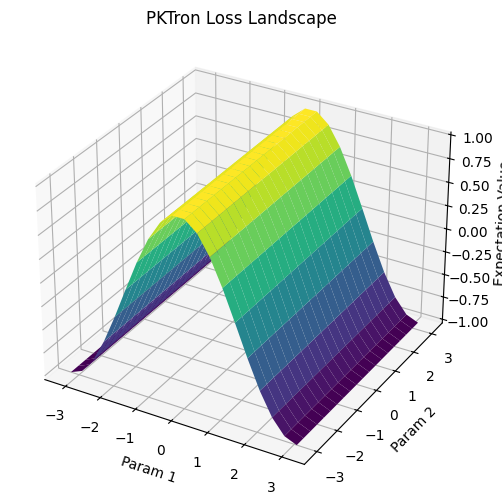
Performance-oriented options provide faster internal handling for repeated executions or memory-sensitive scenarios, while visualization helpers generate plots of measurement results, state representations, and circuit behaviors. The entire package installs quickly through standard Python tools on Windows, macOS, Linux, or online notebook environments, requiring only a single command and minimal additional libraries.
Overall, PKTron emphasizes immediate usability and broad accessibility, enabling rapid testing of ideas, educational demonstrations, and initial investigations into quantum advantages across different fields. It serves as an entry point for those interested in quantum computing who prefer a straightforward experience focused on outcomes rather than underlying technical details. For further exploration, the official distribution channels provide the package ready for immediate use after installation.
Visualizations